

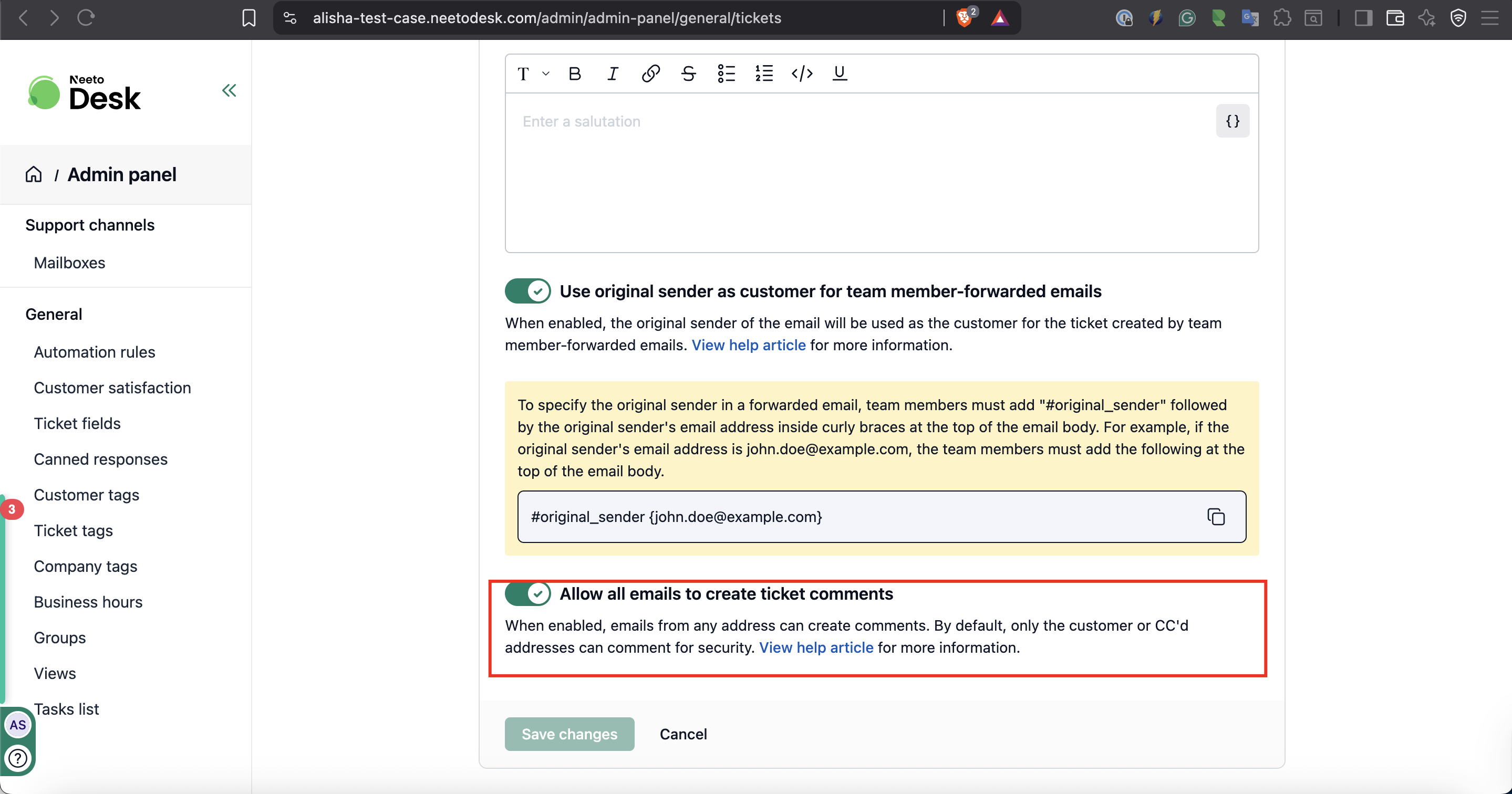
When this setting is off, only the ticket's customer, anyone on the To or CC line of an email already on the ticket, and your team members can add comments to a ticket by email. Replies from any other address are dropped. Turn the setting on to let any email address add a comment to the ticket it replies to. New workspaces have it on by default.
When to enable
Enable this setting when:
Multiple people from the customer's side need to respond using different email addresses
Third-party vendors or consultants need to participate in ticket conversations
Use carefully as it may allow unwanted participants to add comments.
How to enable
Go to Admin Panel
Inside General, Click on Ticket settings
Toggle on Allow all emails to create ticket comments
Click Save changes