

Here is a list of the default views and what they mean.
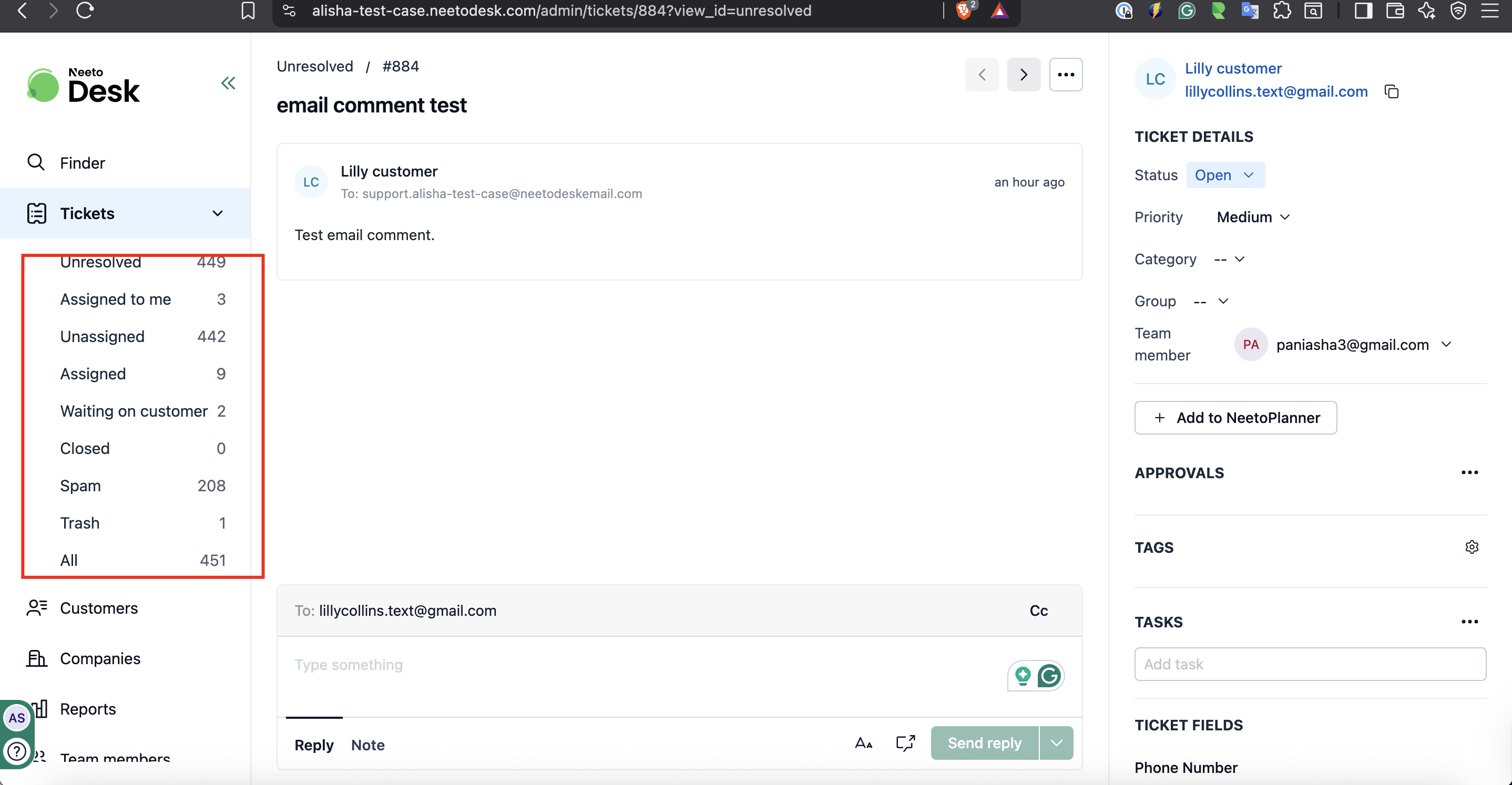
All: This lists all open tickets.
Assigned to me: This lists all open tickets that are Assigned to me.
Unassigned: This lists all open tickets that are not assigned to any agent.
Assigned: This lists all open tickets that are assigned to some agent.
Closed: This lists all closed tickets.
Spam: This lists all tickets that are marked as Spam.
Trash: This lists all tickets that are marked as Trash.
Click here to know about ticket statuses.
Which view opens first
When you sign in, or when you click on Tickets , you land on the first view listed in your sidebar. If no view is available to you, the Unresolved view opens instead.
The sidebar follows the order set for your organization, so changing that order changes the view agents see first. Agents only see the views that are active and shared with them.
Changing the order of views
Click on Admin Panel from the left sidebar.
Click on Views under General .
Click on Reorder .
Drag the views into the order you want.
Save the new order.
The view at the top of the list becomes the one agents open by default.
Showing the customer's email in the ticket list
The ticket list has a Customer email column, so you can see each customer's email address without opening their ticket. It's shown by default in every view.
Go to Tickets.
Click the Customize columns icon at the top of the ticket list.
Check or uncheck Customer email to show or hide the column.
Drag Customer email up or down the list to change where the column appears.