

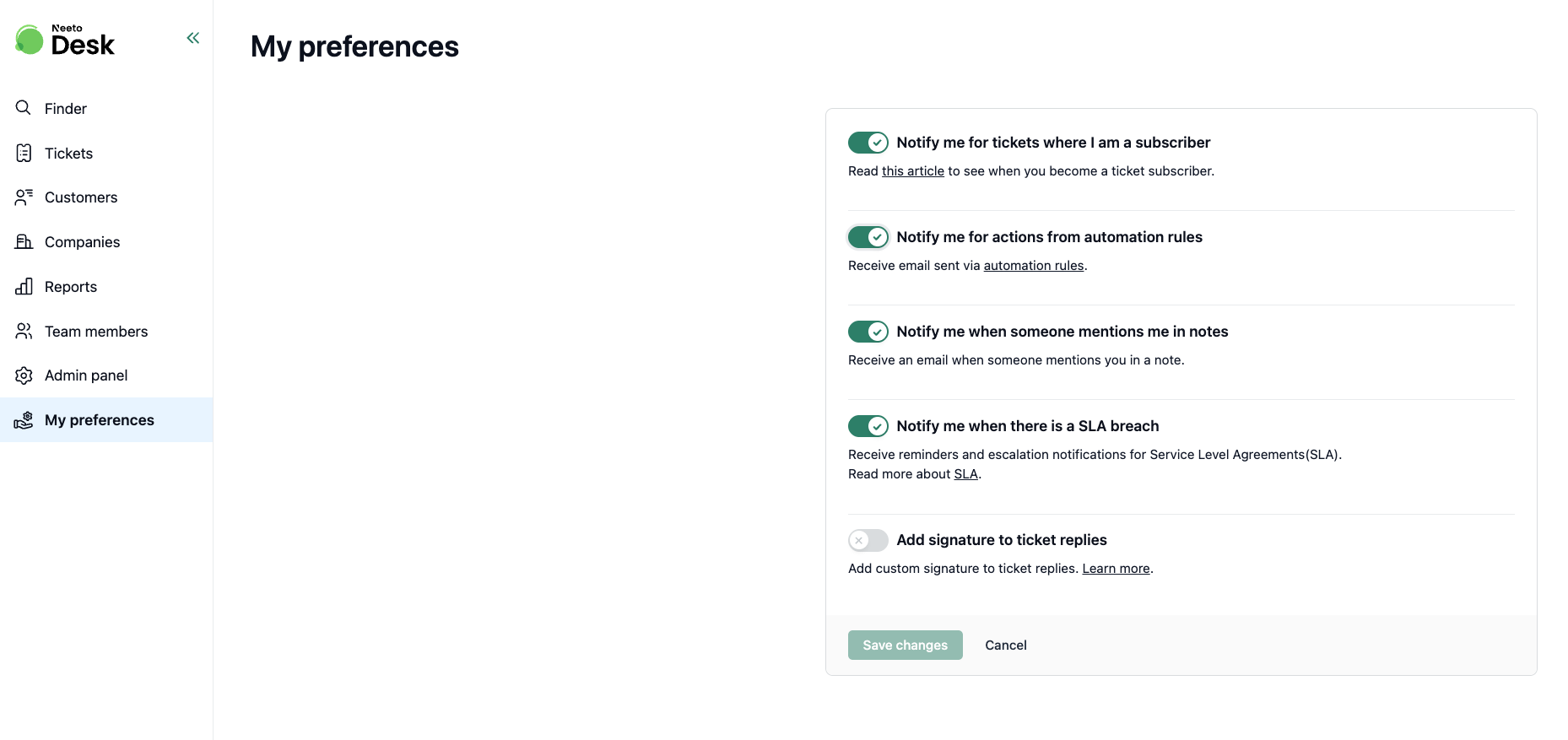
Automation rules can send emails as one of their actions. The Notify me for actions from automation rules preference controls whether you receive these emails.
This is separate from the emails you get for ticket activity (replies, notes, mentions, SLA breaches). Turning this off only stops emails triggered by automation rules; your other notifications keep working.
What kind of emails come from automation rules
When an automation rule's conditions are met, it can be set to send emails such as:
- Email to the requester (the customer who created the ticket)
- Email to the assigned agent
- Email to a specific agent
- Email to all agents
- Email to a group or the assigned group
- Email to the customer's account manager
- Email to a custom address
If a rule includes you as a recipient of any of these, this preference decides whether the email reaches your inbox.
Disabling email notifications from automation rules
1. Click on My preferences in the left sidebar.
2. Find the toggle Notify me for actions from automation rules.
3. Click the toggle to turn it off.
4. Click Save changes.
You will stop receiving emails sent by automation rules, even if a rule lists you as a recipient.