

Moving tickets between workspaces is helpful when you want to hand off a conversation to another team within your organization. The full history is preserved, so they have all the context needed to help the customer.
Moving tickets
Open the ticket.
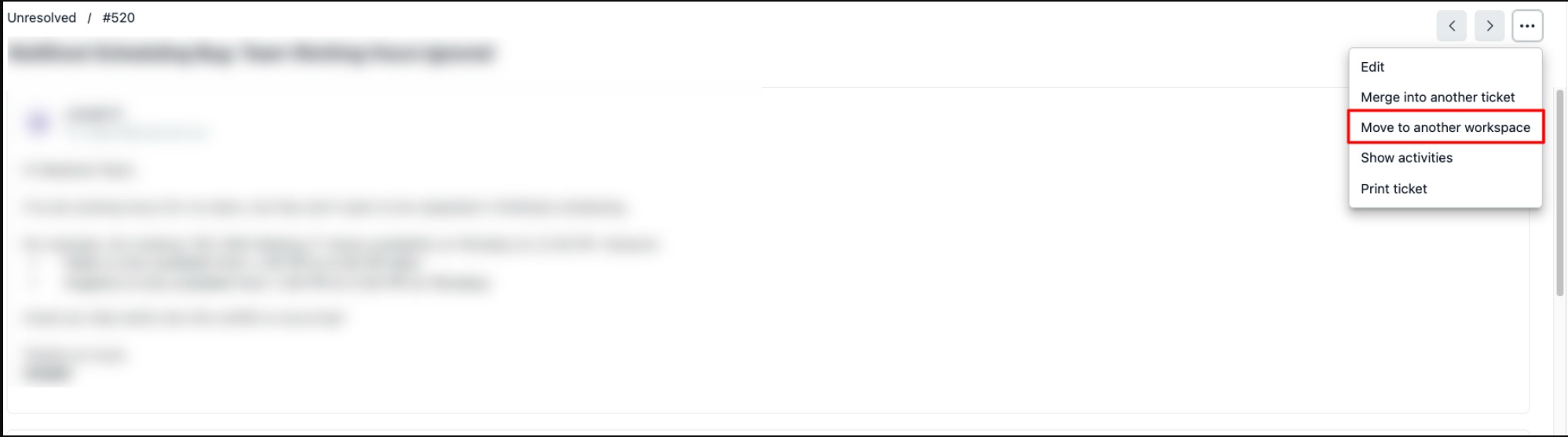
Click More in the ticket header.
Select Move to another workspace.
-
Pick the destination workspace and click Save Changes.
What moves with the ticket
When you move a ticket, not all data is preserved. The table below shows which data moves and which do not.
Always Moves |
Moves if a match exists |
Does not move |
Description & replies |
Status & Category |
Activity log |
Notes |
Assignee & Group |
Followers & Tasks |
Attachments |
Tags & Custom fields |
Approvals & Drafts |
CC addresses |
||