You can customize your workflow by adding or editing categories, statuses, and priorities to better fit your team's needs. For example, you might want to include a status like "Under Development" or create a category that isn’t provided by default.
To customize these option
Go to Admin Panel.
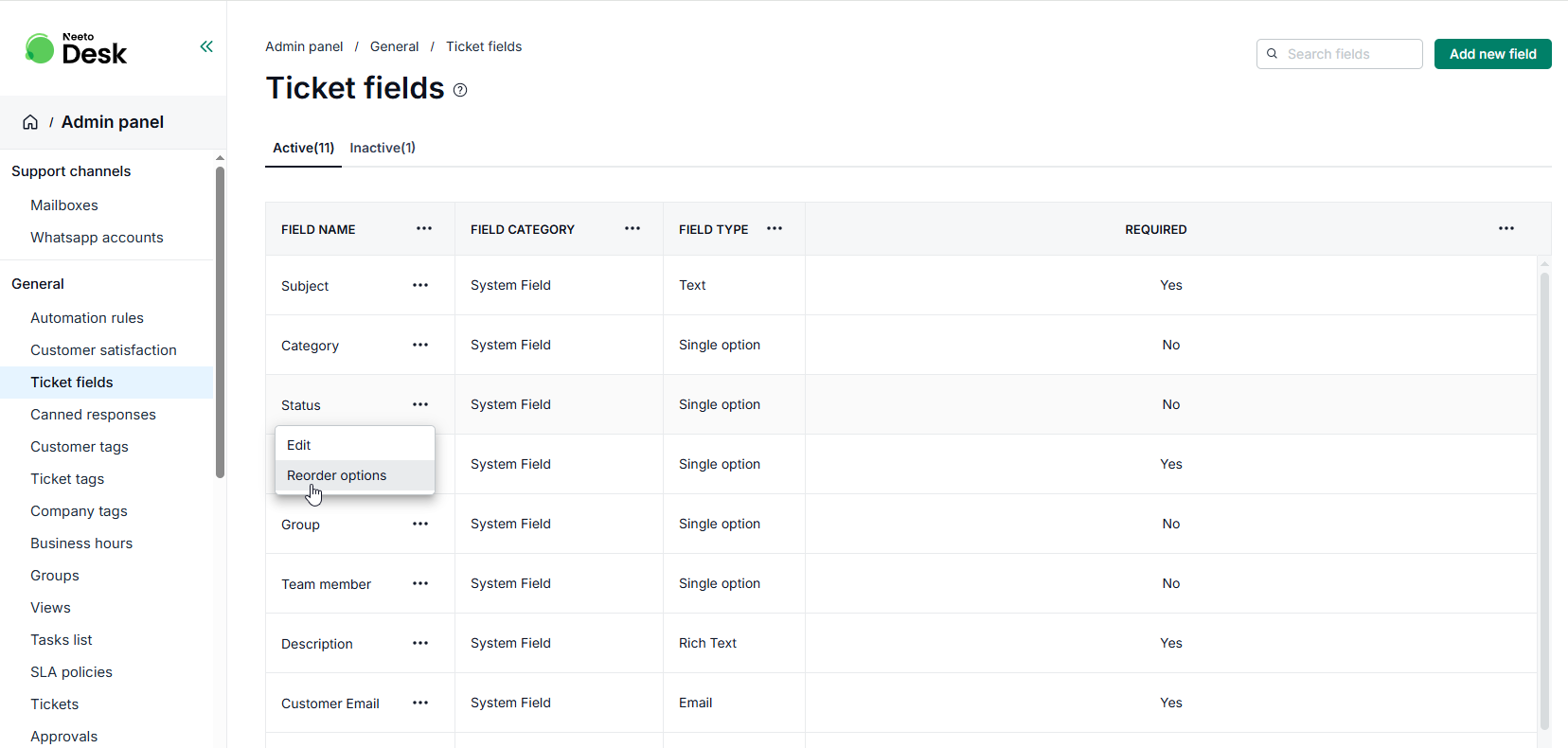
Click on Ticket Fields card.
Click the triple dot (...) next to the field you want to edit.
Add new options or rename existing ones as needed.
Click Save changes
These changes will immediately reflect across all relevant workflows.
Reordering Categories, Statuses and Priorities
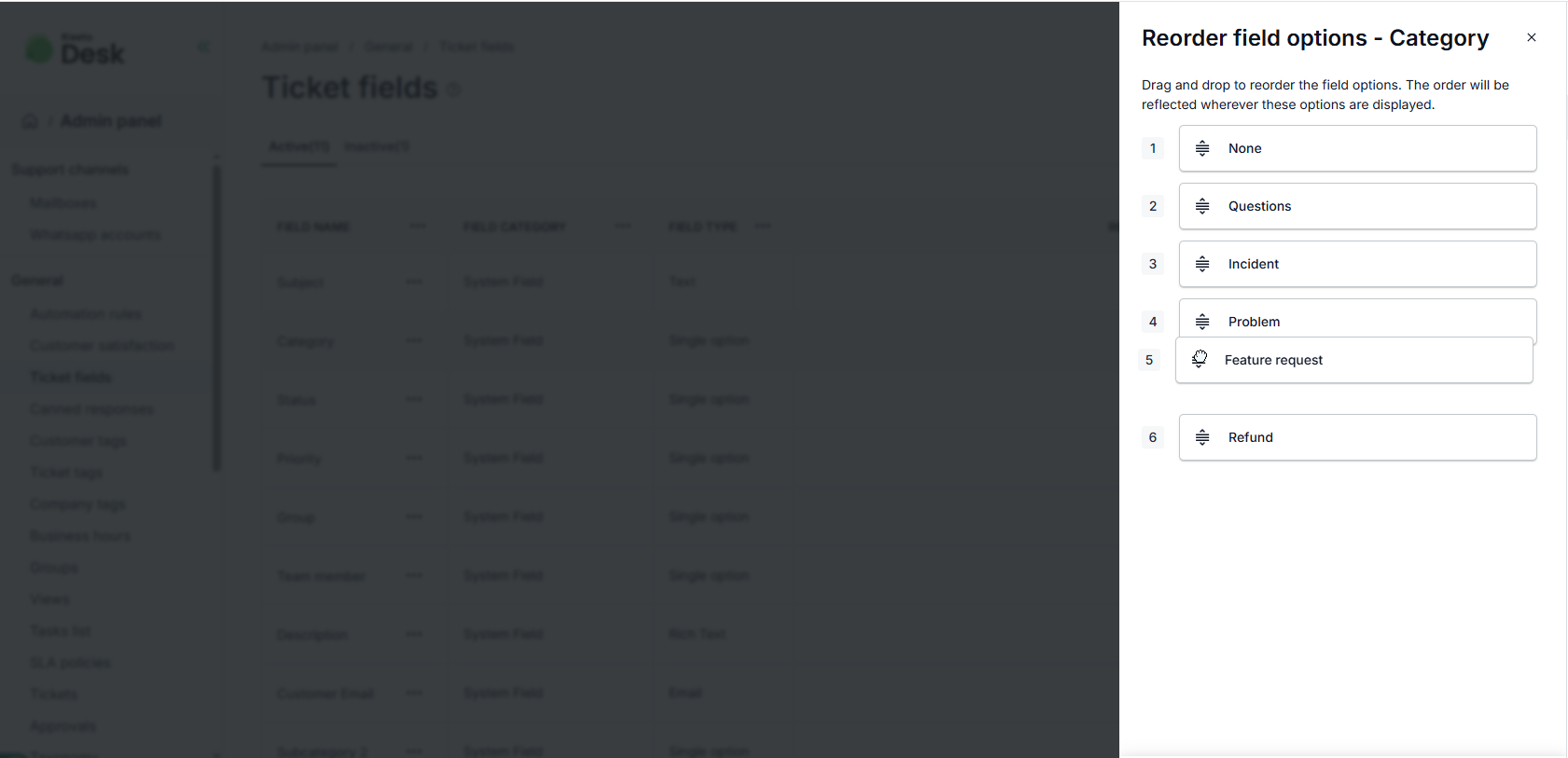
If you have ticket fields that are used more frequently, you can reorder them to appear first in the ticket view.
Go to Admin Panel.
Click on Ticket Fields card.
Click the triple dot (...) next to the field you want to edit.
Click on Reorder.
Reorder based on your preference.
Click Save changes.